Ready to take a look at how counter pieces might fit on a Slab? The Area Slab Layout in Step 5 lets you seam, rotate, and arrange counter top pieces on slabs. This is a powerful tool to estimate how many slabs are required. Remember that this is for estimating purposes only, not for cutting.
Slab Layout is also where images are uploaded to place on Slabs. See related articles for more.
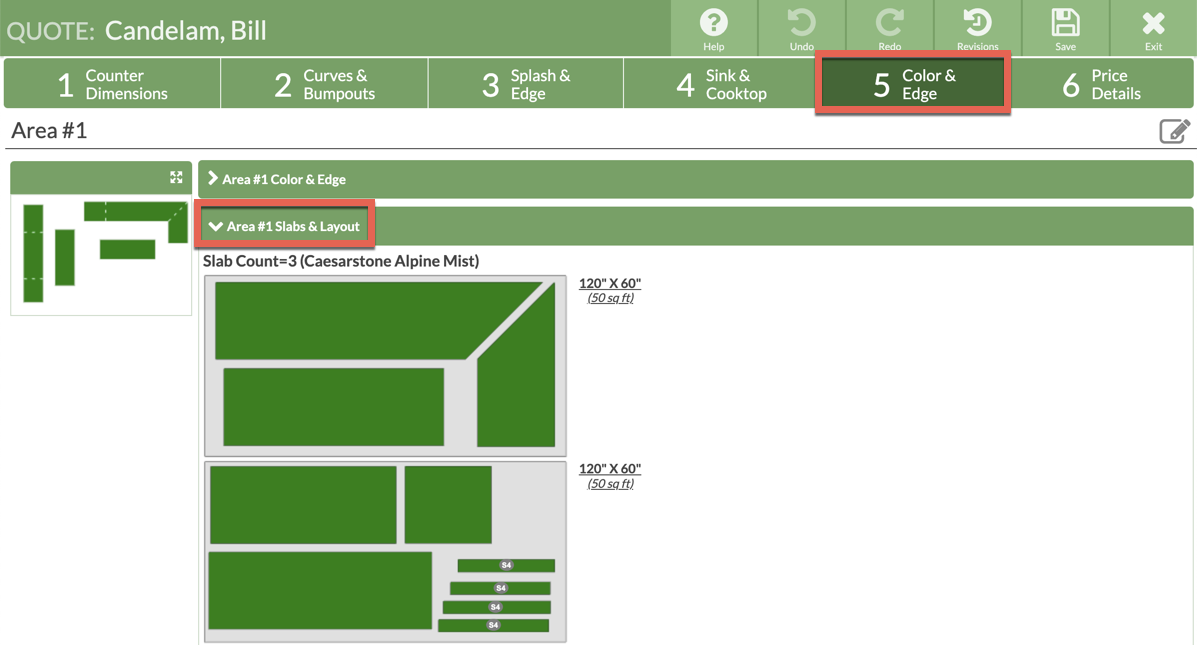
- In Step 5 Click > Area #1 Slabs & Layout.
- If you've selected a Color that is priced by Square Feet, check to Show Layout.
- Click, hold and drag to arrange countertops on the Slab(s).
- When all the pieces are green, there is no overlap, and all pieces are on the Slab(s).
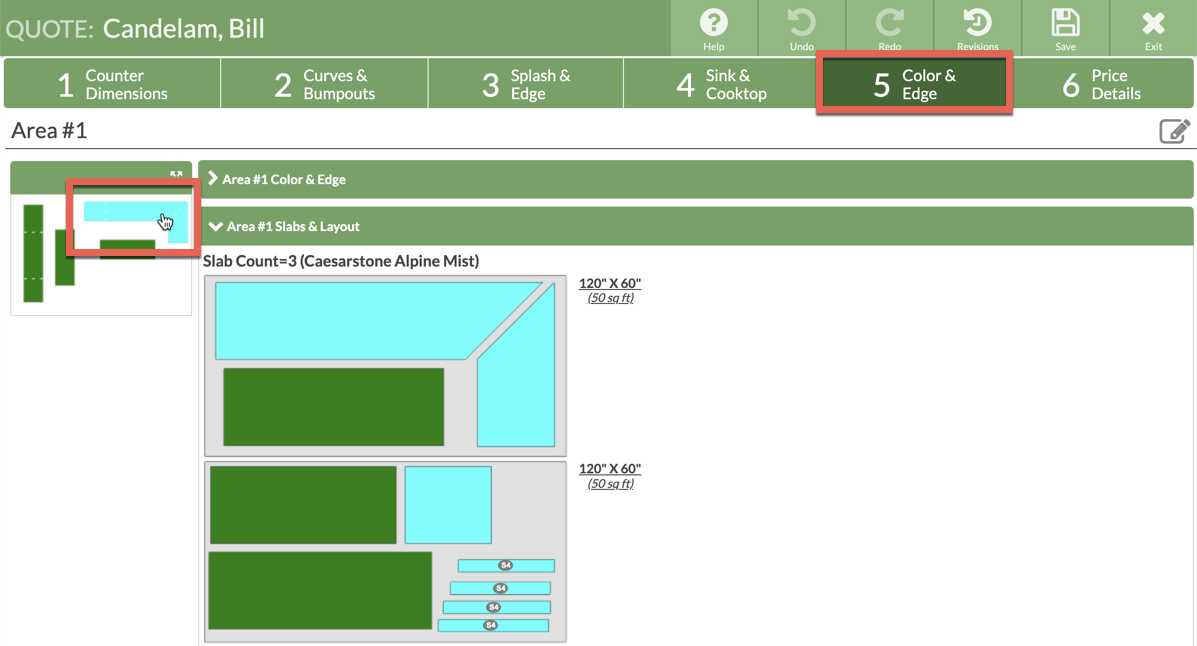
- Click once on a counter top in the thumbnail image to highlight all the pieces from that top in the Slab Layout.
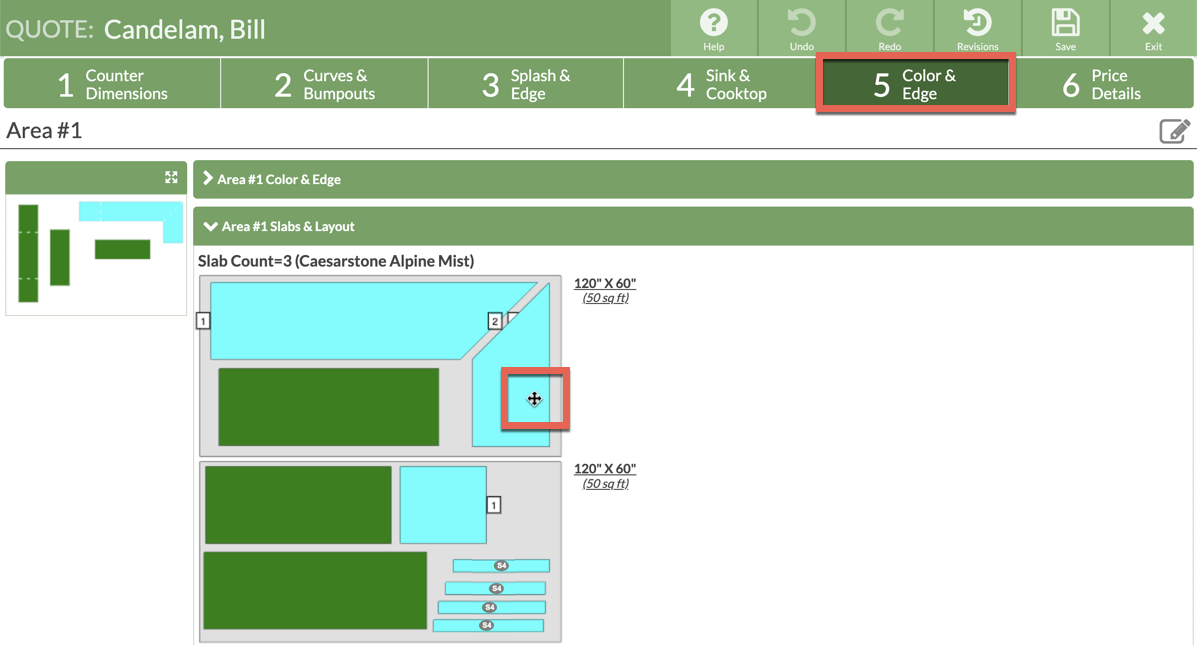
- Click and hold, without moving a piece, on any piece on the Slab to highlight which counter top it belongs to in the thumbnail, and all the associated pieces.